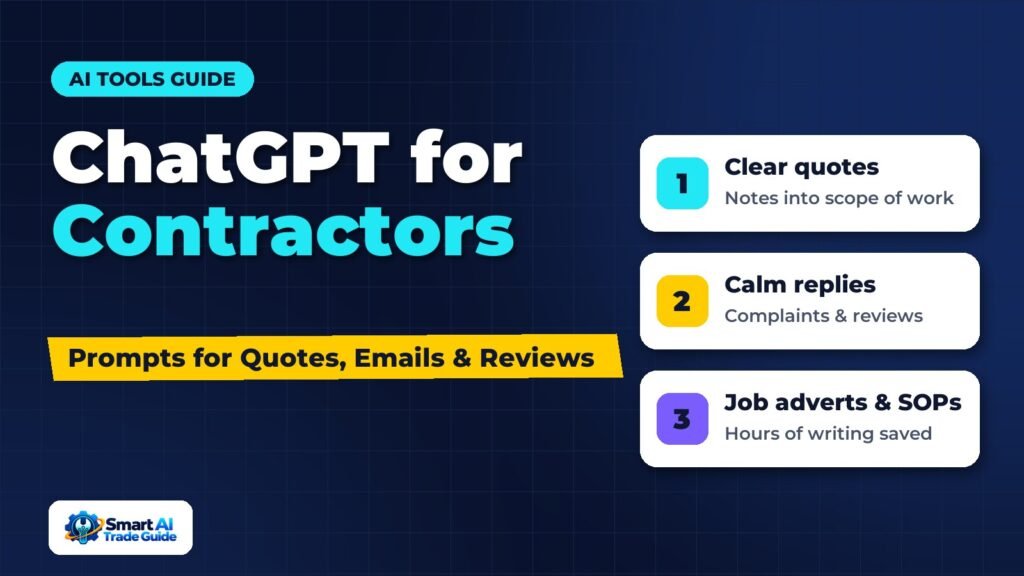
Most contractors do not need another app. They need the evenings back. A surprising amount of office work in a trades business is writing: quote descriptions, follow-up emails, replies to awkward customers, job adverts, review responses and instructions for the team. This is exactly the kind of work ChatGPT and similar AI assistants handle well.
This guide shows how to use ChatGPT for contractors in practical ways, with prompts you can copy, adapt and reuse. It also covers what not to use it for, and how to keep customer information safe.
Before You Start: Three Ground Rules
- You are the expert, the AI is the typist. ChatGPT can write clearly, but it does not know building regulations, your pricing or the job you just inspected. Always check technical details, prices and promises before sending anything.
- Do not paste sensitive personal data. Leave out full names, addresses, phone numbers and payment details unless your business account and settings are set up for that. Use placeholders such as [Customer] and [Address].
- Give it context. The more specific your prompt, the better the result. Tell it your trade, your tone and who the message is for.
A simple way to give context every time is to start your chats with a short description of your business. Many AI tools let you save this as custom instructions:
I run a small [plumbing and heating] business in [Birmingham, UK] with [3] engineers. We do domestic repairs, boiler installs and servicing. Write in plain, friendly British English. Be clear and professional, never pushy. Keep messages short unless I ask for detail.
1. Writing Clear Quote Descriptions
Customers compare quotes, and many quotes are just a price and a line of jargon. A clear scope of work makes yours easier to accept. Our guide to writing quotes that win more jobs covers structure in detail; ChatGPT can help with the wording.
Turn these rough notes into a clear scope of work for a customer quote. Use short headings: What we will do, What is included, What is not included, Timescale. Keep it under 200 words and avoid jargon.
Notes: replace combi boiler like for like, Worcester 30kW, new magnetic filter, flush system, move flue 300mm, remove old boiler, register warranty, 1 day, customer to clear cupboard.
Then check every line. If the AI adds something you did not say (for example, a warranty length), remove it.
2. Following Up on Quotes
Many quotes are lost simply because nobody followed up. ChatGPT can write a short sequence you reuse for every job. For automating the sending itself, see how to automate quote follow-up.
Write three short follow-up messages for a quote we sent for [kitchen rewiring]. Message 1 for 2 days after sending (check they received it and offer to answer questions). Message 2 for 7 days after (mention we can hold the start date for one more week). Message 3 for 14 days after (polite final check-in, no pressure). Each under 60 words, suitable for text message.
3. Replying to Difficult Customers
When a customer is angry, it is hard to write a calm reply. ChatGPT is useful for getting the tone right. Our guide on handling customer complaints covers the process; here is a prompt for the wording.
A customer is unhappy that our engineer arrived two hours late and did not call ahead. Write a reply that apologises sincerely, explains briefly that the previous job overran (without making excuses), confirms we have changed our process so engineers text if running late, and offers [a £20 discount on today’s invoice]. Calm, human, under 120 words.
4. Responding to Google Reviews
Replying to reviews, good and bad, shows future customers that you care. Use AI for a first draft, then personalise it.
Write a reply to this 5-star Google review. Thank them by first name, mention the specific job, keep it under 50 words and do not sound like a template. Review: “[paste review]”
Write a calm, professional reply to this negative Google review. Acknowledge their experience, do not argue, do not share private details, and invite them to contact us directly at [phone/email] to resolve it. Under 80 words. Review: “[paste review]”
We cover negative reviews in more depth in our guide to responding to negative Google reviews.
5. Writing Job Adverts
Hiring is hard in the trades, and generic adverts attract few applicants. Our guide to hiring your first technician covers the process; ChatGPT can help you write an advert that stands out.
Write a job advert for an experienced [electrician] at a small, friendly company in [Coventry]. Include: what a typical week looks like, pay range [£X to £Y], van provided, training budget, no weekend work except one call-out rota per month. Write it for a tradesperson, not a corporate HR reader. Under 250 words, with a clear way to apply.
6. Turning Notes Into SOPs and Checklists
If everything lives in your head, the business cannot grow without you. ChatGPT is very good at turning rough notes or a voice transcript into a clear step-by-step process.
Turn these notes into a simple checklist an engineer can follow at the end of every boiler service. Number the steps, keep each step to one line, and add a final section called “Before you leave” for photos, customer sign-off and tidy-up. Notes: [paste notes]
See our guide to building SOPs for how to roll these out to the team.
7. Website and Google Business Profile Content
AI can help draft service pages, FAQs and Google Business Profile posts. Treat these as starting points: add real photos, local details and genuine examples, because generic AI text on its own does not help you stand out. Our guide to building service pages that rank explains what Google looks for.
Write 6 frequently asked questions and short answers for a boiler installation page for a heating company in [Solihull]. Answers should be 2 to 3 sentences, practical and honest. Do not invent prices, guarantees or accreditations.
8. Summarising Calls and Job Notes
If you or your team record voice notes after jobs, ChatGPT can turn them into tidy job reports and customer summaries. We cover this workflow in detail in turning technician voice notes into job reports and summarising customer calls with AI.
What Not to Use ChatGPT For
- Technical decisions and safety advice. It can be wrong with complete confidence. Your training and the regulations come first.
- Final prices. Use your own pricing method. AI does not know your costs. See how to price service jobs.
- Legal or tax advice. Use it to understand topics, then check with a professional.
- Fake reviews or testimonials. Writing or posting fake reviews breaches platform rules and, in the UK, consumer protection law.
Making It a Habit
The businesses that get the most from AI save their best prompts. Keep a simple document called “Our AI prompts” with the ones that work, and share it with whoever does the office work. Over time, you will build a library that turns 20-minute writing jobs into two-minute editing jobs.
If you want to go further, our guide to the best AI tools for contractors covers tools that build AI into scheduling, quoting and call handling.
Frequently Asked Questions
Is the free version of ChatGPT good enough for a trades business?
For occasional writing tasks, often yes. Paid plans generally offer better models, higher usage limits and more control over data settings, which matters if you use it daily or share it with staff.
Is it safe to put customer details into ChatGPT?
Avoid pasting personal or sensitive customer data unless your plan and settings are set up for business use and you are comfortable with the provider’s data policies. Placeholders work fine for most writing tasks.
Will customers know a message was written by AI?
Not if you edit it. Add specific details from the job and your own phrasing. The goal is to save time on the first draft, not to sound like a robot.
Can ChatGPT write my quotes for me?
It can write the wording, but the scope, materials and price must come from you. Think of it as a tool for presentation, not estimating.
Conclusion
ChatGPT will not replace the skills that win you work, but it can take a lot of the writing off your plate. Start with the tasks you dread most, such as follow-up messages, complaint replies or job adverts, use the prompts above as templates, and check every output before it goes to a customer. A few saved prompts can give you hours back every week.