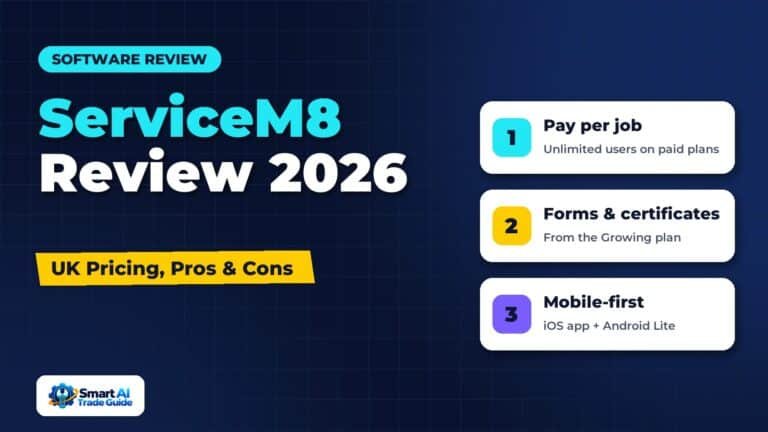
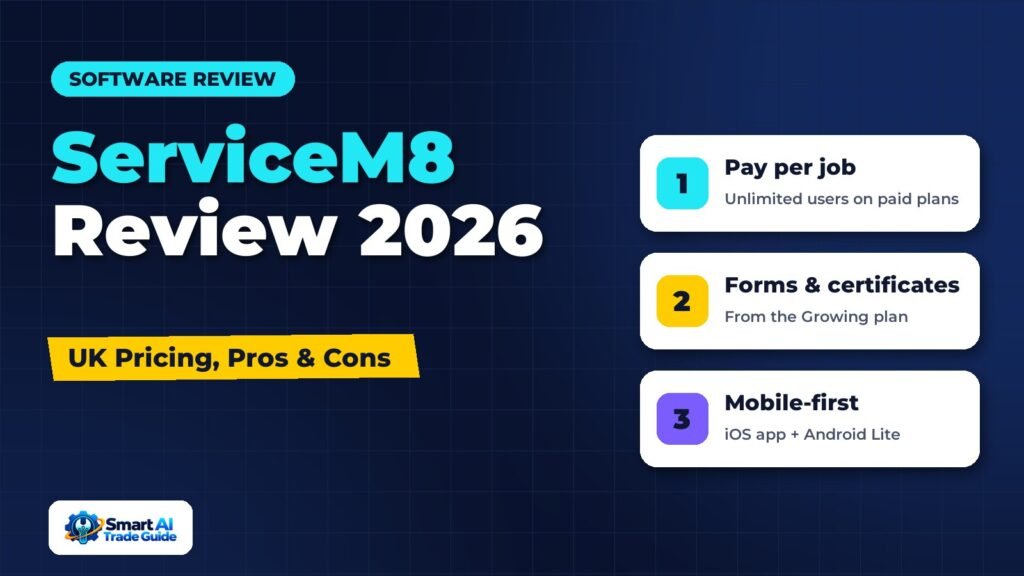
ServiceM8 is one of the most popular job management apps among small trades businesses in the UK and Australia. Its standout feature is its pricing model: you pay for the number of jobs you create each month, not for the number of people using it. For small teams with a few engineers, that can make it much cheaper than per-user platforms.
This ServiceM8 review covers UK pricing, the main features, strengths and weaknesses, and which businesses it suits. For other options, see our guide to the best field service management software for small businesses.
UK pricing checked on ServiceM8’s website in November 2026. Prices shown exclude any add-ons.
ServiceM8 at a Glance
| Best for | Sole traders and small trades teams, especially in the UK and Australia |
| Pricing model | Monthly plans based on jobs per month, unlimited users on paid plans |
| Free plan | Yes, 30 jobs per month for one user |
| Free trial | 14 days on paid plans |
| Platform | Mobile-first: full app on iPhone and iPad, Android app (ServiceM8 Lite), web app for the office |
ServiceM8 UK Pricing in 2026
| Plan | Price per month | Jobs per month | Users | Notable additions |
|---|---|---|---|---|
| Free | £0 | 30 | 1 | Recurring jobs, deposits, AI writing help (limited) |
| Starter | £25 | 50 | Unlimited | Office Agent (standard), progress invoices, supplier invoice import |
| Growing | £59 | 150 | Unlimited | Asset management, forms and certificates, proposals, bundles |
| Premium | £119 | 500 | Unlimited | Job costing, markup billing, knowledge base, branded SMS |
| Premium Plus | £269 | 1,500+ | Unlimited | Higher limits; additional jobs charged per job |
Each plan includes an SMS allowance, and extra texts are charged individually. Optional add-ons include an upgraded AI “Office Agent Pro” and a ServiceM8 phone system, each charged monthly.
The job-based model is what makes ServiceM8 different. A team of five engineers doing around 120 jobs a month would sit on the Growing plan at £59 per month for everyone. On many per-user platforms, the same team would pay considerably more.
The flip side is that high-volume, low-value work (for example, many short cleaning or pest visits) can push you into higher tiers quickly. Count your real monthly job volume before choosing.
Key Features
Job Management and Scheduling
Jobs move through clear stages from quote to work order to invoice to payment. The scheduling view lets the office drag jobs onto staff calendars, and engineers see their day on their phone or iPad.
Quotes, Proposals and Invoicing
You can create quotes on site, send them for online acceptance and convert them into jobs. Higher plans add proposals with multiple options, which can help you sell better/best upgrades. Invoices can be sent and paid online, with card payments and deposits supported.
Forms and Certificates
From the Growing plan, ServiceM8 includes forms and certificates, which many UK heating, electrical and gas engineers rely on. Check in a trial that the exact certificate types you produce are available and laid out the way you need.
Asset Management
Also from the Growing plan, asset management lets you record equipment at each property, which is useful for servicing and maintenance work. See our best HVAC software guide for how this compares with heating-specific tools.
Automation and Communication
ServiceM8 can send booking confirmations, appointment reminders and “on my way” messages, and it supports recurring jobs for regular work such as servicing or cleaning. These features help cut no-shows and reduce admin.
AI Features
ServiceM8 includes AI writing help on all plans and an “Office Agent” on paid plans, with a more capable paid upgrade. These are designed to help with office tasks such as drafting messages and handling routine admin. As with any AI feature, check what it does in your trial rather than relying on marketing descriptions.
Add-on Ecosystem
ServiceM8 connects with accounting tools such as Xero and QuickBooks and a range of add-ons for things like online booking, certificates and reporting.
Strengths
- Affordable for small teams. Unlimited users on paid plans and job-based pricing.
- Easy to learn. A clean, mobile-first design that engineers pick up quickly.
- Free plan. Useful for sole traders starting out.
- Good UK fit. GBP pricing and features such as forms and certificates that UK trades use.
- No long contracts. Monthly plans you can change as you grow.
Weaknesses
- iOS comes first. The app was built for iPhone and iPad. An Android app (ServiceM8 Lite) has been available since 2024 and covers almost all of the same functionality, but a few features, such as room scanning and AR measurement, are iOS only.
- Job caps. High-volume, low-value work can push costs up quickly.
- Key features on higher tiers. Forms, certificates and asset management start on Growing; job costing on Premium.
- Less depth than enterprise tools. Larger companies wanting advanced dispatch and reporting may outgrow it. See our ServiceTitan review for the other end of the market.
Who Should Use ServiceM8?
ServiceM8 is a strong fit if:
- You are a sole trader or a team of up to around ten people.
- You do a moderate number of jobs per month (tens to a few hundred).
- You want simple, affordable software without long contracts.
- You are in the UK or Australia and want local pricing and features.
It may be less suitable if you run very high volumes of short jobs or need advanced dispatch and sales reporting.
ServiceM8 vs Jobber
Both are easy-to-use tools for small teams. The main differences:
| ServiceM8 | Jobber | |
|---|---|---|
| Pricing model | By jobs per month, unlimited users | By plan tier and number of users |
| Free plan | Yes (30 jobs) | No (free trial) |
| Mobile app | Full app on iOS, Android app (Lite) | iOS and Android |
| UK forms and certificates | Built in from Growing plan | Check workflow; may need add-ons |
| Best for | Small UK/AU teams wanting low cost and unlimited users | Small teams anywhere wanting a polished all-rounder |
See our full Jobber review for more detail.
How to Test ServiceM8 Properly
During the 14-day trial:
- Import a few real customers and create three typical jobs.
- Produce a quote with options, convert it into a job and schedule it.
- Complete the job on the mobile app, including photos, a form or certificate and a signature.
- Send the invoice and take a test payment.
- Check the reminders and messages the customer would receive.
If all five feel smooth, it is likely a good fit.
Frequently Asked Questions
How much does ServiceM8 cost in the UK?
Paid plans range from £25 to £269 per month at the time of writing, based on the number of jobs you create each month. There is also a free plan for one user with 30 jobs per month.
Does ServiceM8 charge per user?
No. Paid plans include unlimited users. You pay according to job volume.
Does ServiceM8 work on Android?
Yes. ServiceM8 has offered an Android app, called ServiceM8 Lite, since 2024. ServiceM8 says it covers almost all the functionality of the iOS app, though a few features such as room scanning are iOS only.
Can ServiceM8 create gas safety certificates?
ServiceM8 includes forms and certificates from the Growing plan. Confirm during your trial that the specific certificates you need are available.
Verdict
ServiceM8 is one of the best-value job management apps for small UK trades teams, thanks to its job-based pricing, unlimited users and mobile-first design. It is particularly attractive for heating, plumbing and electrical businesses that need forms and certificates. Larger companies and very high-volume operations should compare alternatives carefully.